
IP whitelisting can be used to improves security by being able to limit the IP addresses that can be used to login. This is configurable on user level.
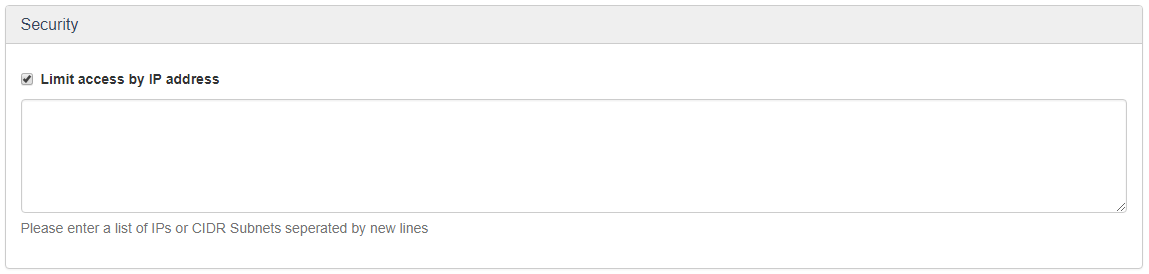
The manager is able to enable and configure the IP whitelist in the Security block on the user profile editing page. The user will be able to login anywhere, if this block is not filled or the checkbox stays unchecked.
Changes will be applied the next time the user logs into the system. In case the user tries to get access from a non-whitelisted IP.

An editable text field appears after selecting the checkbox. The textfield can be used for IP adresses and CIDR subnets (example: 3.272.40.0/24). Every entry should be separated by a new line.
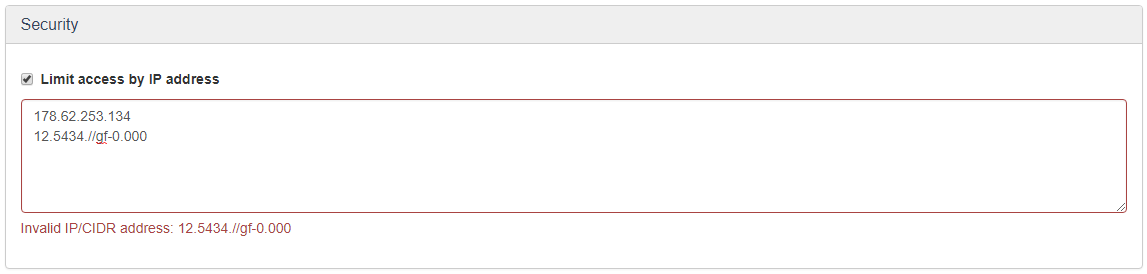
A warning feedback message will be shown under the text field in case the manager tries to save invalid data. (Partially) Invalid data will not be saved.
Comments
0 comments
Please sign in to leave a comment.