
Visitor blocking option works is a ban for visitors based on their IP addresses. Blocking a visitor is always temporarily with a duration of 7 days. Please be aware that every person, who uses the same computer or network connection, will not be able to chat during the blocking period.
Agent side
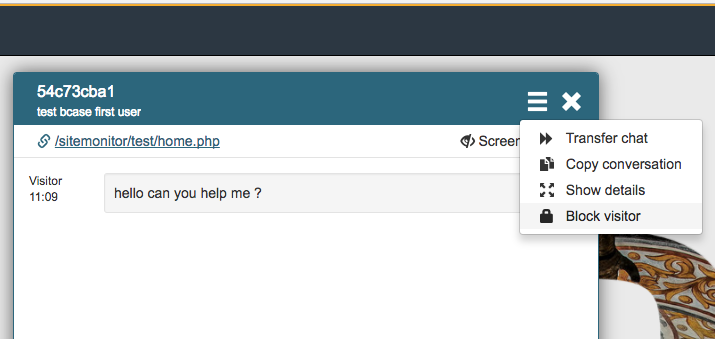
The blocking feature can be selected via the hamburger menu on the top left of the chatwindow.
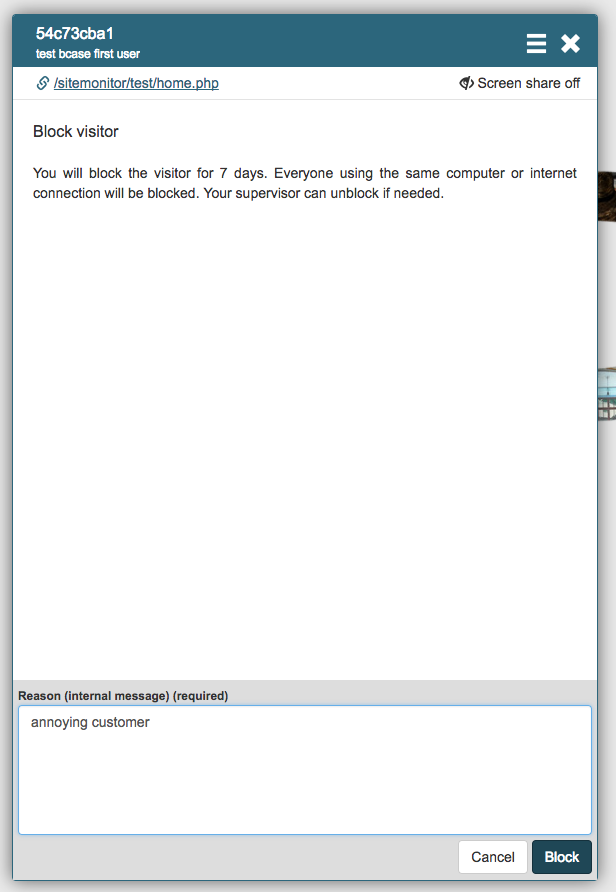
Before the block is applied the user needs to state a reason. The given reason is never shown to the visitor. After confirming by pressing the block button the block will be active for 7 days and will be removed automatically. If needed the user can also request an early removal of the block by a manager.
Visitor side
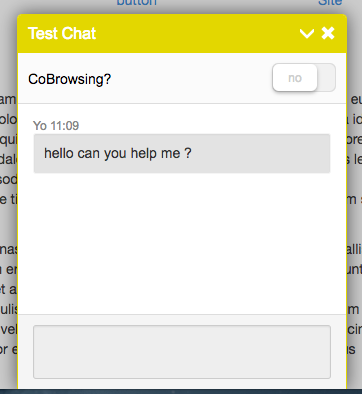
In case visitor is blocked the visitor will not be able to type, share his screen, or receive any further information like a survey for example. The input field becomes inactive and the system deliberately does not state any explanation. After closing the window no buttons or invites will be shown to the visitor. Refreshing the page or restarting the browser will not affect this. Every person using the same computer or internet connection will be blocked for 7 days, or until a manager unblocks this visitor.
Manager side
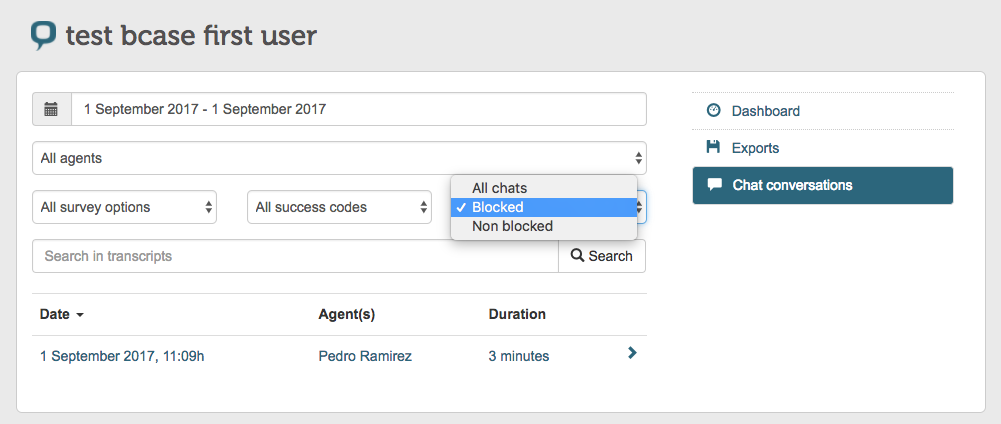
Conversations can be filtered on blocking status via a dropdown menu in the chat conversations tab. This tab is to be found on businesscase level. Blocked chats will be shown in the list results only in case the block is still active.
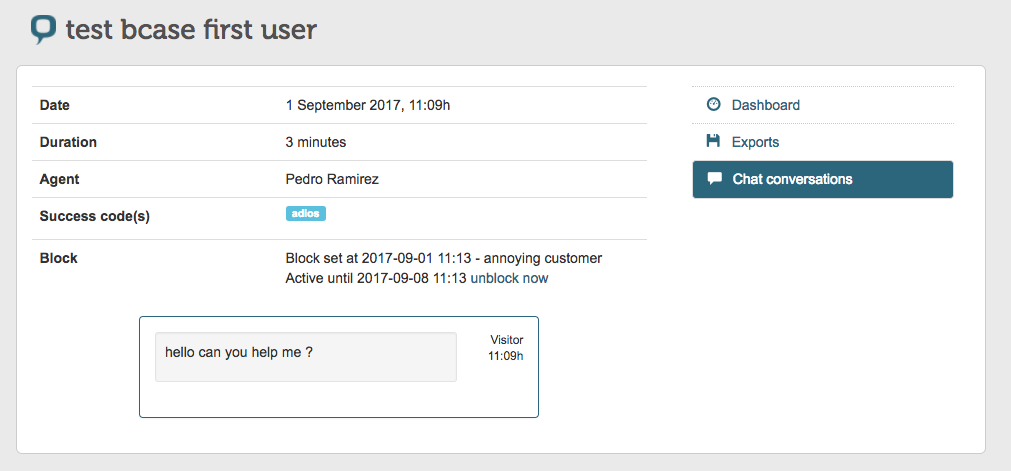
The manager is able to see details about the blocked conversation on the transcript details page:
- Time of blocking
- Blocking reason
- Time left before it unblocks
At the end of this information an "unblock now" button is shown. This allows the manager to unblock immediately.
Reporting
The Conversation CSV file contains the status and reason for every conversation in a separate column. The status will not change after the visitor is unblocked.

Security
In order to get the visitor block working properly, the system needs to store the IP of the visitor. This IP is never shared, and it’s stored encrypted in the Cobrowser system. After 7 days, the encrypted IP will be totally removed from the system.
Comments
0 comments
Please sign in to leave a comment.