
When there is a SPA (single page application) or a dynamic website then URL sometimes does not reflect the state of the art. In case it is needed to trigger an entry point (like button or invite) when something happens on your page (like a content is loaded or button is pressed) our SDK allows to do it.
| _cb.push(['addPageview', 'justaname']) |
Just call this command invoking the method push on the global array and our SDK will update all entry point rules. So if you have a rule with current page equal to 'justaname' it will trigger immediately the entry point and it will be shown.
Example of the custom button on a virtual page. Configuration in the business case:
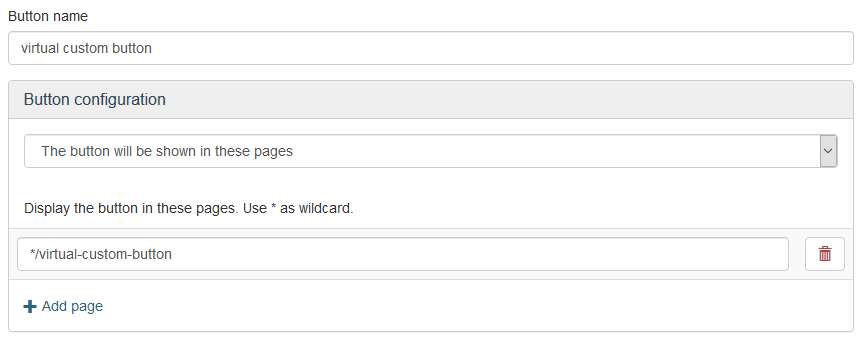
Example of the invitation on a virtual page. Configuration in the business case:
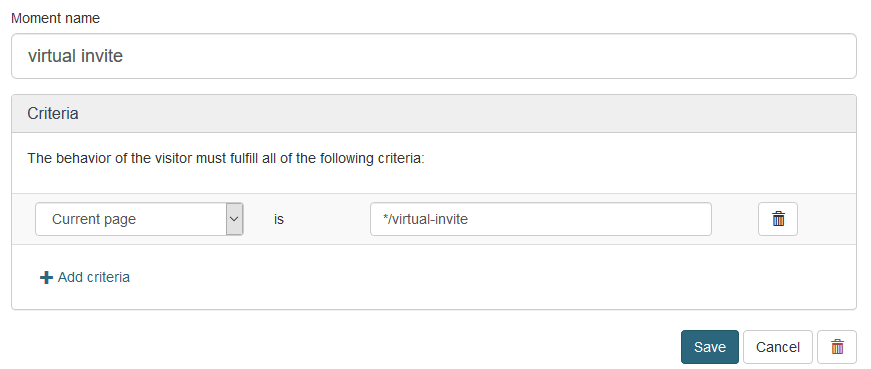
Example of the standard button on a virtual page. Configuration in the business case:
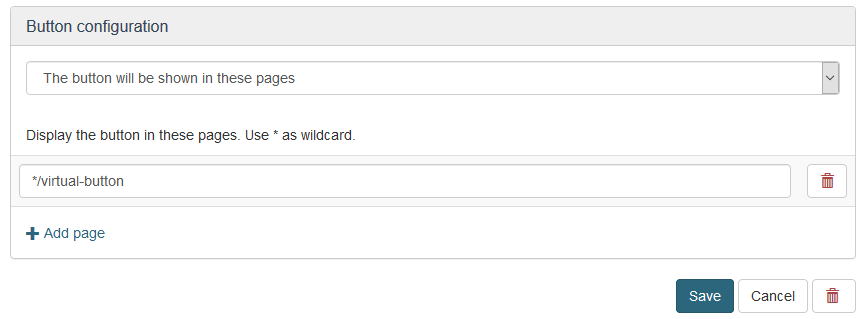
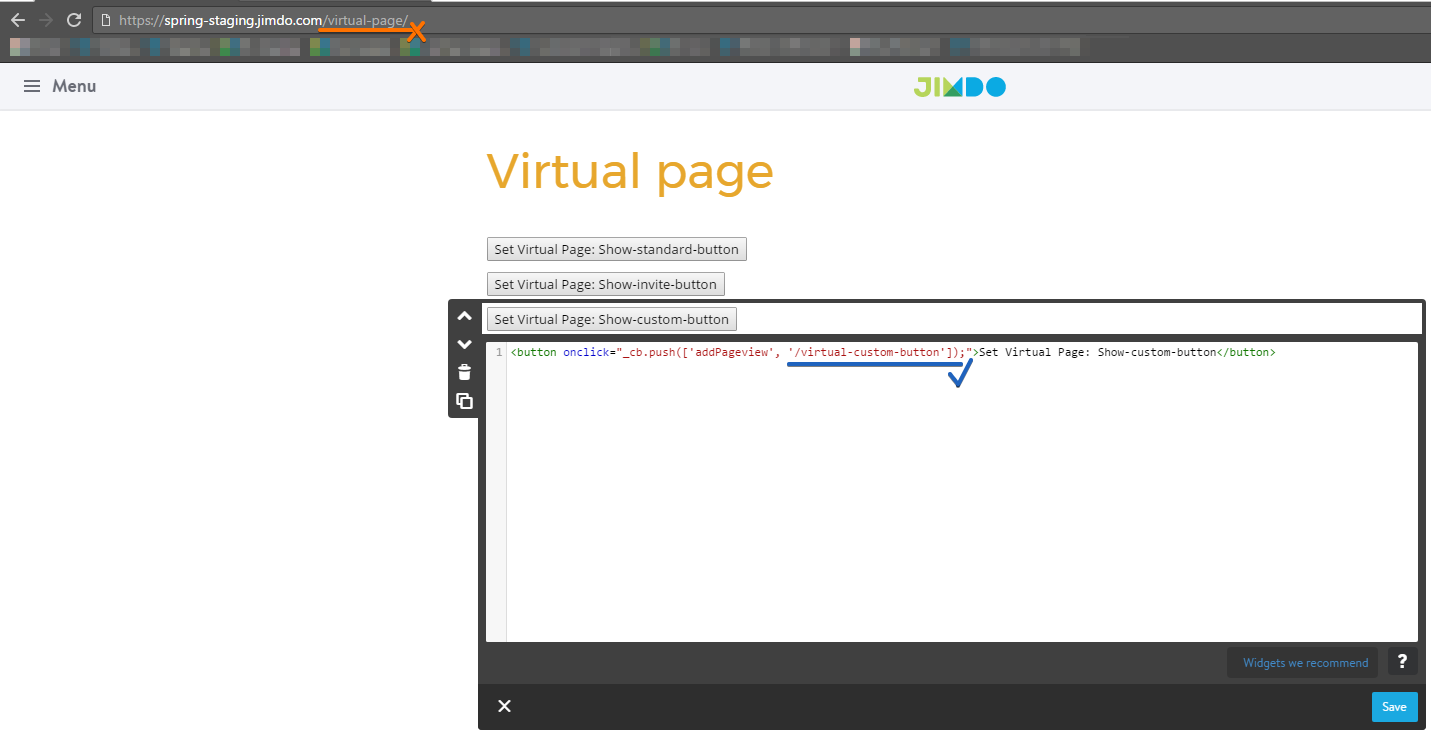
Example of code should be look like:
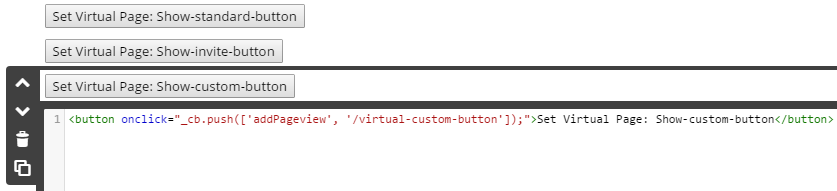
NOTE:
It is important to remember, that virtual address has nothing to do with browser url link address. This virtual address is manually input information as a part of the command.
Comments
0 comments
Please sign in to leave a comment.